
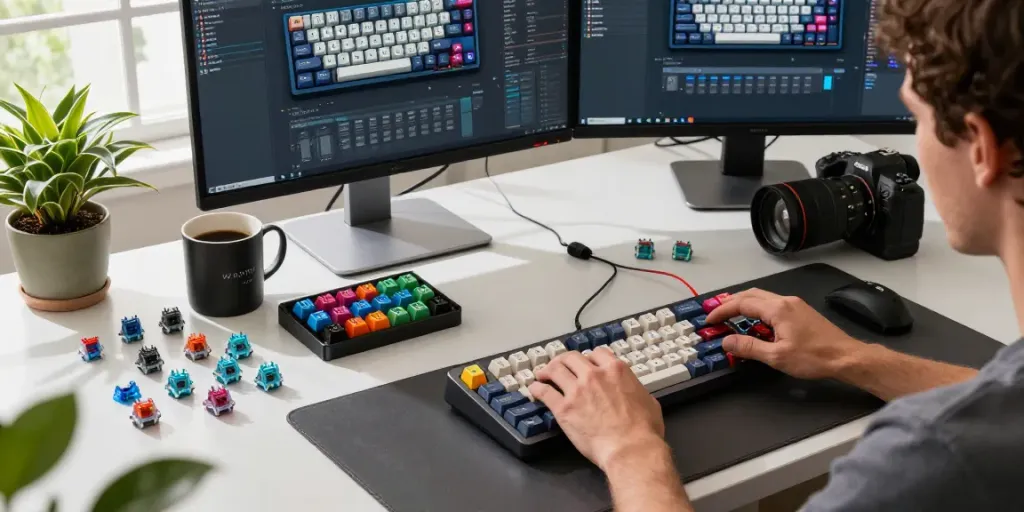
Understanding Hall Effect Switches
As the keyboard industry evolves, users are increasingly seeking customized solutions that cater to their specific typing preferences and gaming needs. One technology that has gained traction is Hall Effect switches, particularly for keyboards designed by Wooting. These switches utilize magnetic sensing technology to detect key presses, providing a range of benefits that traditional mechanical switches simply cannot match.
What Are Hall Effect Switches?
Hall Effect switches operate based on the principle of magnetic fields. When you press a key, a magnet moves closer to a Hall sensor, which then detects the change in the magnetic field and registers the key press. This process allows for an incredibly fast response time and increased durability compared to traditional mechanical switches, which rely on physical contact to register key activations.
Benefits of Hall Effect Technology for Wooting Keyboards
- Durability: Hall Effect switches are designed to withstand millions of key presses, making them excellent for gamers and heavy typists.
- Customization: Wooting keyboards enable users to customize actuation points, allowing for a more tailored typing experience.
- Anti-ghosting: Due to the nature of Hall Effect technology, the risk of ghosting is significantly reduced, ensuring all key presses are registered accurately.
How Hall Effect Switches Differ from Traditional Switches
Traditional mechanical switches rely on physical contact to complete a circuit, which can wear down over time, leading to decreased performance. In contrast, Hall Effect switches maintain consistent performance due to their non-contact nature. Additionally, Hall Effect switches often provide smoother keystrokes, as there is no tactile bump unless designed intentionally.
The Best Hall Effect Switches for Wooting
When exploring options for the best Hall Effect switches for Wooting, it’s essential to consider several factors, including actuation force, travel distance, and overall feel. Here is a guide to some of the top Hall Effect switches on the market today.
Top Recommended Switches for Optimal Performance
- Wooting Lekker Switch: Known for its linear feel and fast actuation, this switch is ideal for gamers who require quick response times.
- Gateron Magnetic Jade Linear Hall Effect Switch: This switch provides a smooth keystroke and subtle resistance, suitable for both gaming and typing.
- Wooting x TTC KOM Hall Effect Switches: Featuring a unique tactile profile, these switches offer a satisfying feedback experience, enhancing typing feel.
Switch Features to Look For: A Comprehensive Guide
Choosing the right Hall Effect switch depends on several features:
- Actuation Force: Lighter switches can enable faster typing speeds, while heavier switches may provide better control.
- Travel Distance: Shorter travel distances can make for quicker actuation, which is beneficial in gaming scenarios.
- Sound Profile: Depending on your workspace or gaming environment, you may prefer quieter switches or those with a more audible click.
User Reviews and Feedback on Popular Models
User experiences with Hall Effect switches are generally positive, highlighting their durability and responsiveness. Many users report that after switching to Hall Effect switches, their typing speed and accuracy improved significantly. However, some users express a desire for more tactile feedback, which can be a consideration when selecting the ideal switch for personal preferences.
Choosing the Right Setup for Your Needs
When building or buying a keyboard, consider your primary usage scenarios—be it gaming, professional typing, or a blend of both. Each use case might require different specifications in terms of the key switches you choose and the overall layout of your keyboard.
Building vs. Buying: What’s Right for You?
Building a keyboard allows for greater customization, such as selecting your preferred switches, layout, and keycaps. However, pre-built options can save time and ensure compatibility out of the box. If you're unsure about the building process, starting with a pre-built Wooting keyboard might be advisable.
Configuring Your Wooting Keyboard for Maximum Efficiency
Wooting’s software allows for extensive configuration options, enabling users to adjust actuation points, remap keys, and set up profiles for different games or tasks. It's worth investing time in learning the software to maximize the potential of your keyboard.
Keycap Selection and Aesthetics to Enhance Your Build
Choosing the right keycaps can significantly influence your keyboard's look and feel. Consider materials like PBT for durability or ABS for a more affordable option. Additionally, themed keycaps can personalize your setup and enhance your gaming or work environment.
Installation and Customization Tips
Once you've selected your desired Hall Effect switches and keycaps, the installation process can begin. Properly installing your switches will ensure longevity and optimal performance.
Step-by-Step Guide to Installing Hall Effect Switches
- Gather your tools, including a soldering kit, switch puller, and keycap puller.
- If using a PCB (Printed Circuit Board), solder the switches in place carefully.
- Attach your preferred keycaps once all switches are installed and secured.
Common Mistakes to Avoid When Customizing
Common pitfalls include using the wrong soldering techniques, neglecting to test switches before securely installing them, and selecting incompatible components. Conduct thorough research and follow guides to avoid these errors.
Best Practices for Maintaining Your Custom Keyboard
Regular maintenance can extend your keyboard's lifespan. Clean keycaps periodically, check for dust buildup in the switches, and ensure connections are firm. Using a soft cloth to wipe down the surface can help keep it looking pristine.
Future Trends in Keyboard Technology
As the keyboard landscape evolves, Hall Effect technology is likely to become more mainstream due to its unique advantages. Innovations in switch design and new materials will continuously improve the user experience.
Predictions for Hall Effect Switch Development in 2026
Future developments may introduce more customizable switches, offering various actuation points and customizable feel profiles. These advancements could cater to a broader audience, including casual users and professional gamers alike.
Emerging Trends in Mechanical Keyboards
The mechanical keyboard market is set to grow, with features like wireless connectivity, customizable RGB lighting, and programmable keys becoming increasingly popular. Dual function switches and hybrid technologies are also on the horizon.
Consumer Insights: What Users Want in Future Keyboards
Surveys indicate that consumers desire more ergonomic designs, customizable layouts, and enhanced software support for easy configuration. User interfaces that streamline the customization process will be vital in attracting new customers.
Frequently Asked Questions
What Switches Are Compatible with Wooting?
Wooting keyboards are primarily designed for Hall Effect switches, such as the Lekker series and various Gateron options. Checking compatibility is crucial when selecting switches for optimal performance.
How Do Hall Effect Switches Enhance Gaming Performance?
The fast actuation and anti-ghosting features of Hall Effect switches provide gamers with a competitive edge, ensuring that every key press is registered instantaneously without interference from other keys.
Are Hall Effect Switches Worth the Investment?
For users prioritizing durability, responsiveness, and customization, investing in Hall Effect switches is often worthwhile. Their longevity and innovative technology make them a compelling choice.
How to Clean and Maintain Hall Effect Switches?
Cleaning Hall Effect switches involves regularly removing keycaps and using compressed air to eliminate dust and debris. Avoid harsh chemicals, and consider periodic deep cleaning to maintain optimal performance.
What to Look for When Choosing Keycaps for Wooting?
Keycap compatibility, material quality (PBT vs. ABS), and aesthetic appeal are essential factors to consider. Ensure that keycap profiles suit your typing style and preference for sound and feel.